Basic Settings
This guide explains how to configure the basic settings of your provider account in the Admin Dashboard.
1. Access the Admin Dashboard
Log in to the Admin Dashboard.
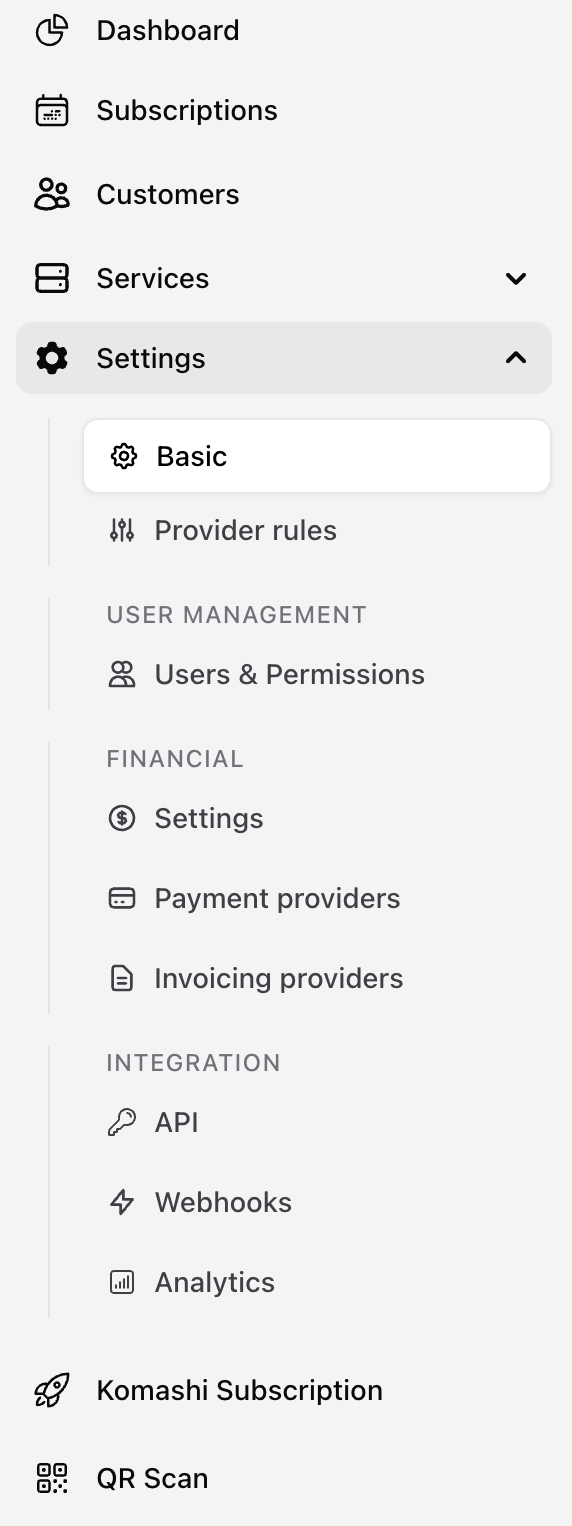
2. Open Basic Settings
Click Settings → Basic from the left sidebar.
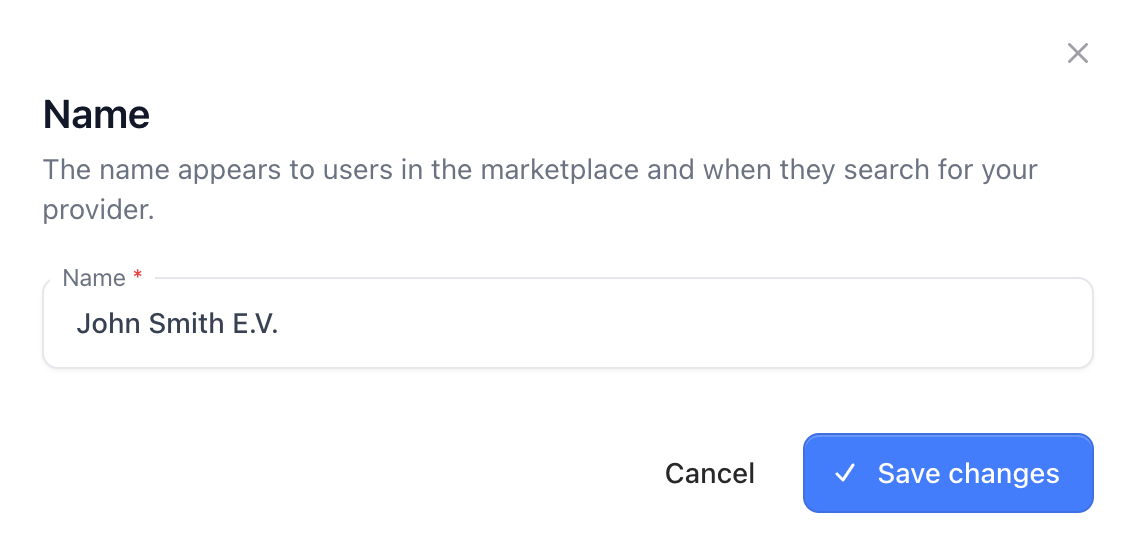
3. Provider Name
Enter the name of your provider. This name will appear across your branded pages.
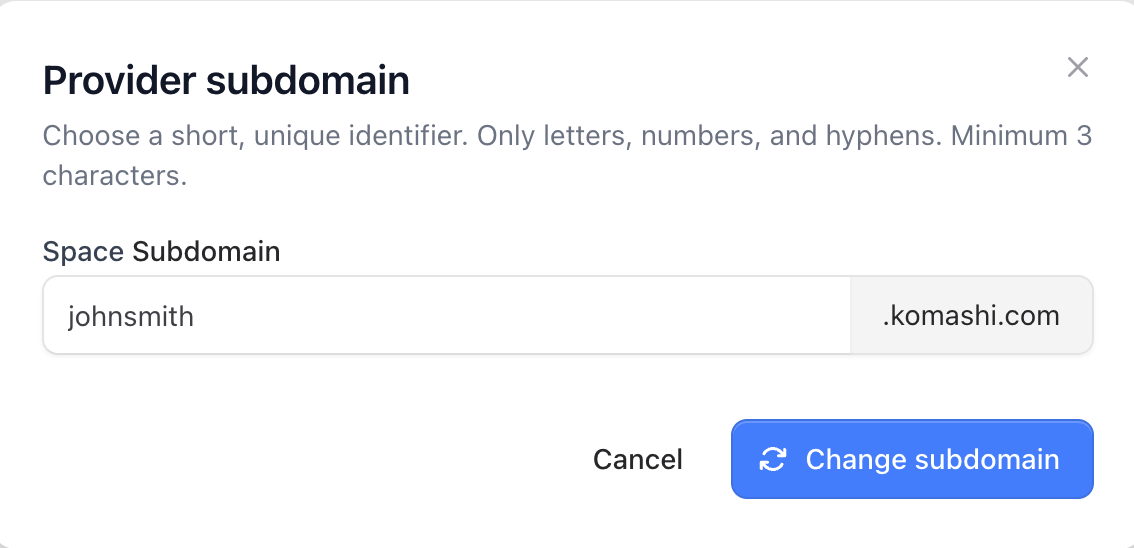
4. Subdomain
Specify the subdomain you want to use for your provider’s public pages.
Example:
yourbrand.komashi.com
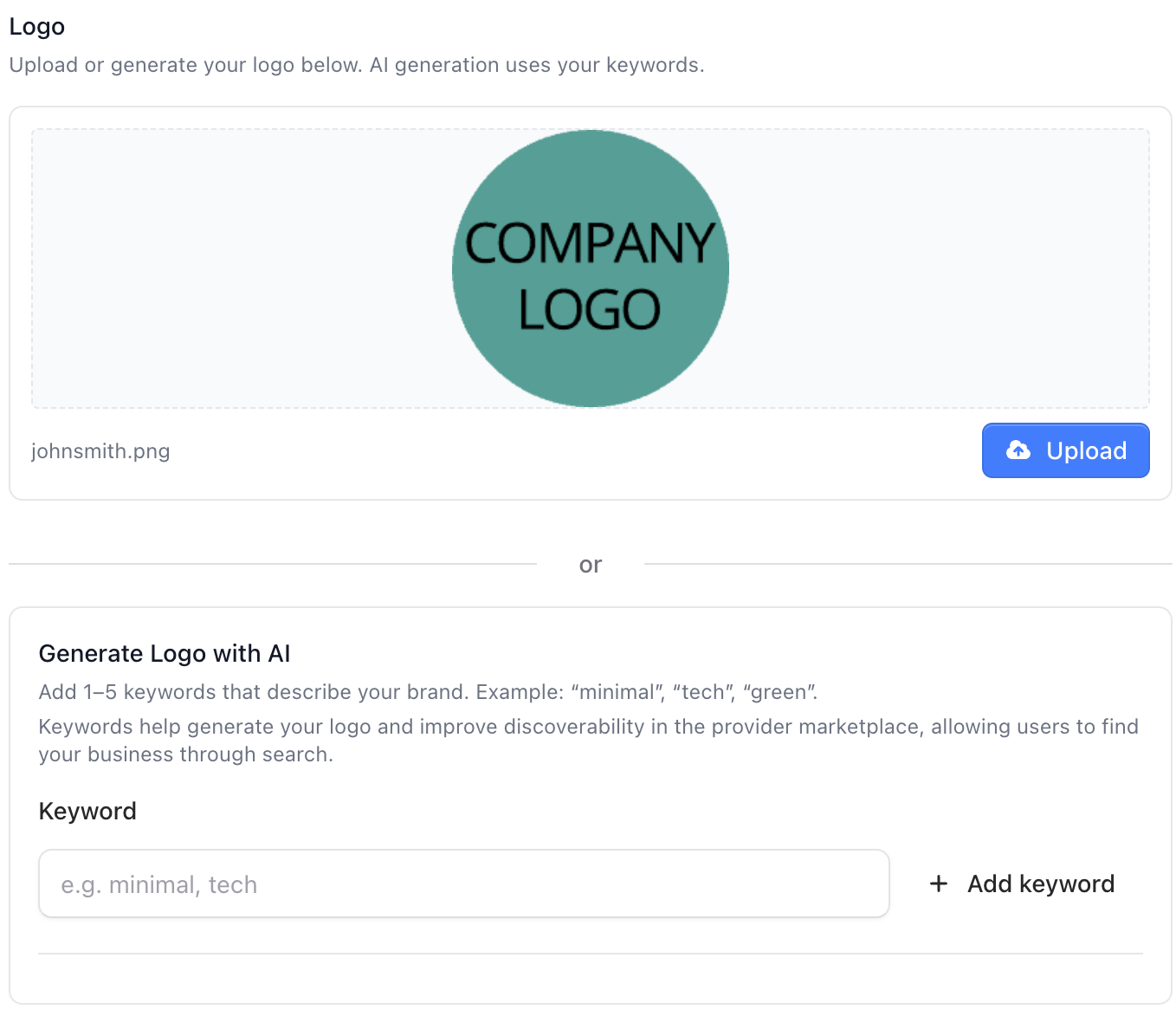
5. Provider Logo
Upload your own logo or generate one using the built-in AI tool.
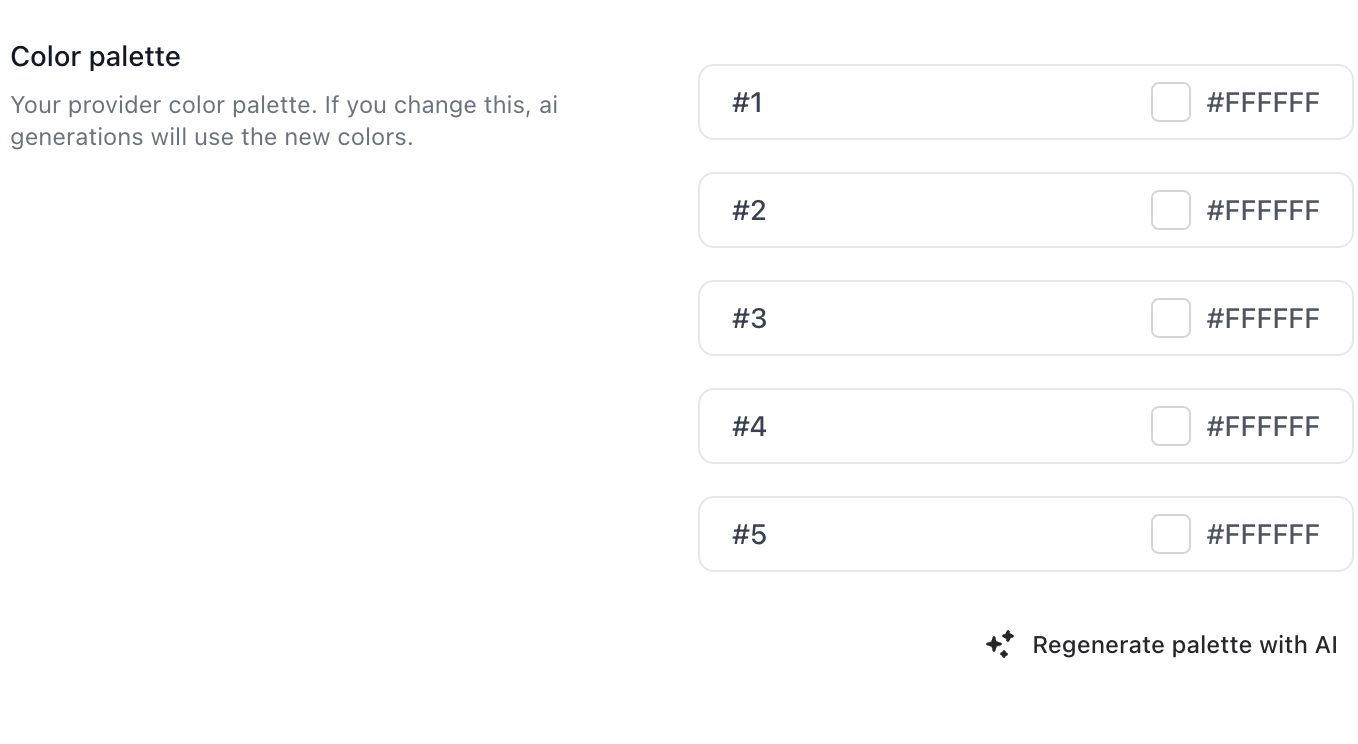
6. Color Palette
Choose your brand’s color palette or generate one using AI.
7. Delete Provider (Optional)
If you wish to remove your provider account entirely, click the Delete Provider button.
⚠️ This action is permanent and cannot be undone.
