Add Services
This guide explains how to add a new service in the Admin Dashboard.
1. Access the Admin Dashboard
- Log in to the Admin Dashboard.
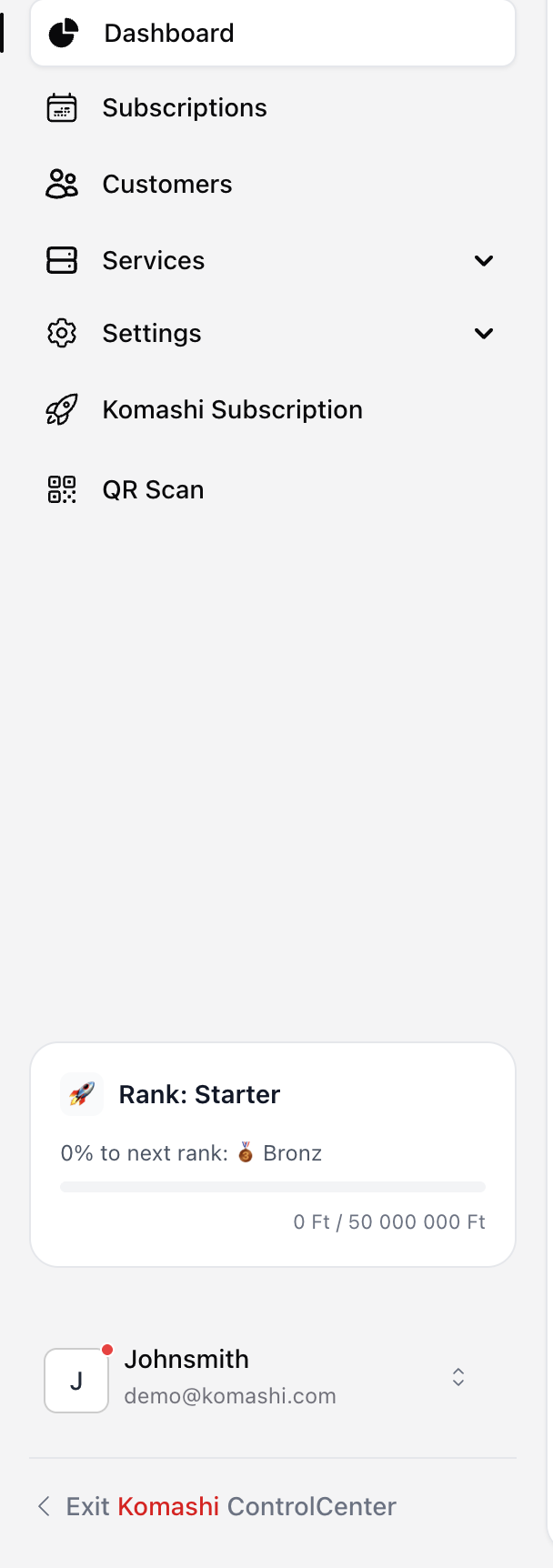
- From the left sidebar, click Services → Manage Services.
2. Add a New Service
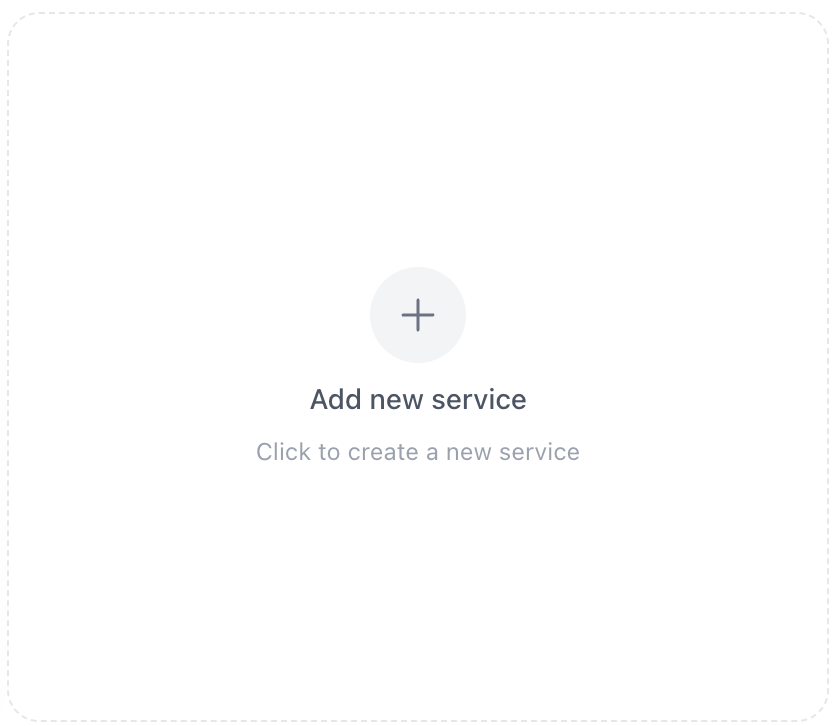
If you have not added any services yet, click Add New Service.
3. Enter Service Details
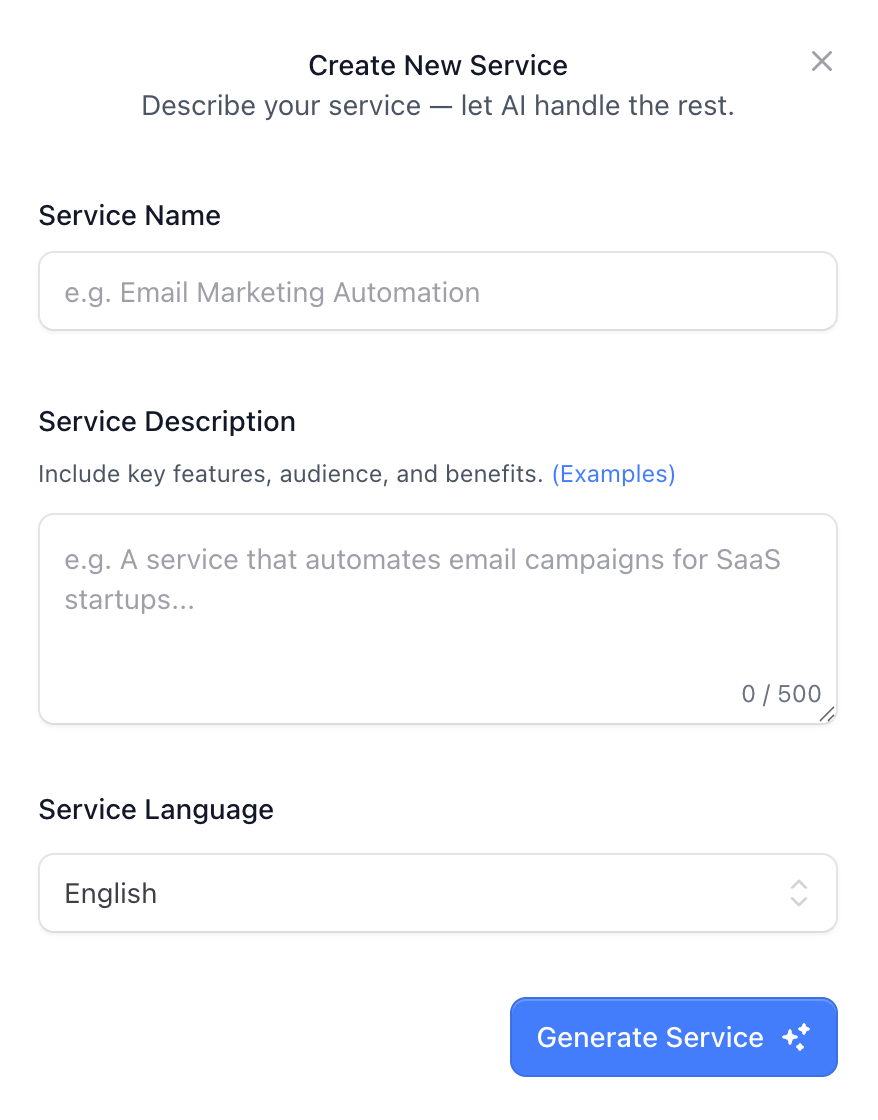
Fill in the following fields in the Create New Service interface:
Service Name
Enter the name of your service.
Service Description
Provide a clear description, including:
- Key features
- Target audience
- Main benefits
Character limit: 0 / 500
Service Language
Select the language your service description is written in.
4. Generate the Service
When all required fields are completed:
Click the Generate Service button.
The system will automatically create the service structure based on your inputs.
After creating the service, you can proceed to configure:
- Pricing (Edit Pricing)